2026 Digital Agenda Dark Mode (English)
2026 Digital Agenda Dark Mode (English)
Couldn't load pickup availability
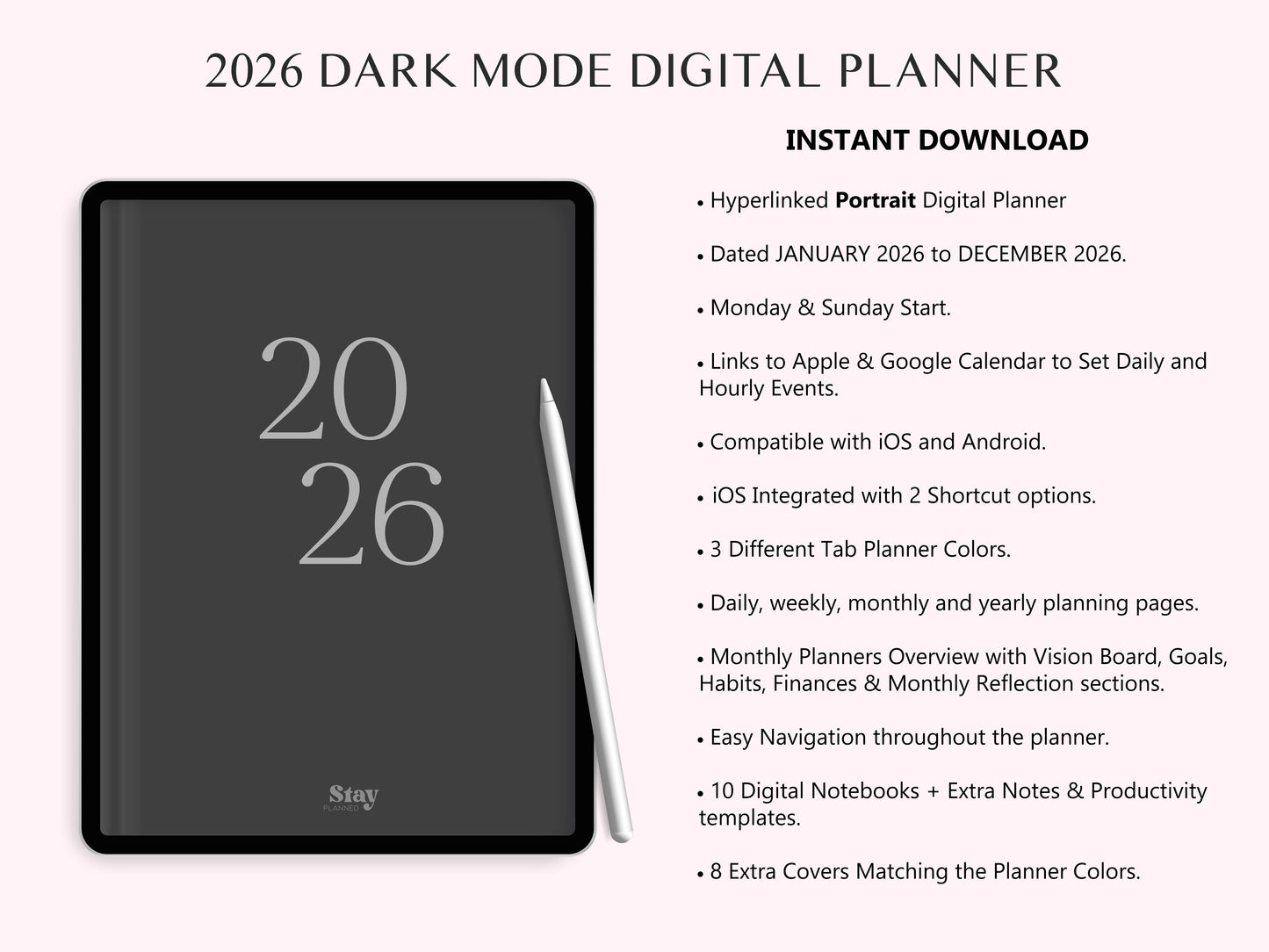
2026 DIGITAL PLANNER DARK MODE for iPad and Android
Improve organization and productivity throughout the year with the 2026 Digital Planner. Designed with a minimalist and clean aesthetic, this planner is perfect as it combines iOS integration with compatibility with Apple and Google Calendar for quick and efficient organization.
This all-in-one digital planner helps you efficiently plan your days, weeks, and months, keeping your goals, habits, finances, and well-being in balance. Ideal for students, professionals, entrepreneurs, and anyone who wants a powerful productivity system in a simple digital format.
The Digital Agenda 2026 stands out for its ease of use, making planning a simple, enjoyable and truly effective experience.
⭐FEATURES
♡ Digital planner from January 2026 to December 2026
♡ Monday and Sunday are options to start the week.
♡ Links to Apple and Google Calendar to set daily and hourly events
♡ 3 Different planner Colors
♡ Monthly, Weekly and Daily View
♡ Monthly pages for Vision Board, Monthly Goals, Habits, Finances, and Monthly Reflection
♡ Annual pages : Hyperlinked calendar, Year view and Important Days.
♡ 10 personalized digital notebooks .
♡ Additional note templates
- Blank, Lined, Grid, Dotted, Blank Cornell, Lined Cornell, To-do list, Checklist.
♡ Additional productivity templates
- Daily Review, Weekly Schedule, Meal Planner, Fitness Planner, Workout Plan, Project Plan, Meeting Notes and Ivy Lee Method of Productivity.
♡ 8 Extra Covers: Matching the colors of the Planner
⭐INCLUDES
♡ Digital Planner 2026 for iOS integration
♡ Digital Planner 2026 for Android
♡ 2 Shortcut options for iOS integration (iPad only)
- Version 1: Shortcut to Apple Calendar, Mail, Reminders, and Apple Notes
- Version 2: Direct access to Google Calendar, Gmail, Reminders, and Notes.
♡ Video tutorial on "How to configure the shortcut for iOS integration"
♡ Video tutorial "Step-by-Step Planner"
⭐INSTANT DOWNLOAD
After purchase, you will receive immediate access to download your Planner and start planning and organizing your life in a simple and effective way.
✅ To use this Digital Planner you need to have a compatible app installed, such as GoodNotes, Notability, Samsung Notes, Noteshelf, Collanote or Nebo.
⭐LINKS TO APPLE & GOOGLE CALENDAR
Tap the bell on the monthly, weekly, or daily page to open the Calendar app at that exact time and date! Enter your event title and save it to receive notifications through the Calendar app.
Please note that this is not an automatic synchronization feature between the Planner and calendar, but it makes it very useful for you to create events and set reminders in your Calendar.
⭐ IMPORTANT INFORMATION
This is a digital product available for Instant Download; no physical items will be shipped.
RETURN
RETURN
For instant download digital products, refunds are not possible, as the item cannot be returned and remains the property of the buyer.
If you have any problems or need help, please contact me. I'd be happy to help.
TERMS OF USE
TERMS OF USE
All designs in this store are for private use. Their sale, reproduction, reinterpretation, dissemination, distribution (free or paid), and use for commercial purposes are strictly prohibited. All designs are protected by copyright laws.
Copyright © 2025 Stay Planned. All rights reserved.